 livephotohub.com
How to Turn a Video into a Motion Photo on Android
To make a live photo from a video on Android, open the converter at https://livephotohub.com/ and pick a recording. The resulting Motion Photo is a JPG that holds both the cover and a playable clip.
Tailored for Samsung Galaxy, Google Pixel and Xiaomi galleries, processed locally in your browser.
Create and download your Motion Photo
- Tap Choose file and pick a recording from your gallery or files. The first three seconds are selected by default. To capture a later moment, adjust Clip start and Clip length.
- Tap a thumbnail to choose the cover. Select Live Photo as the export format, then tap Create Live Photo. Hold the finished preview to watch the motion and release to see the cover.
- Tap Save. To find the file later, open your browser’s downloads and look for a JPG with a name starting with MVIMG_.
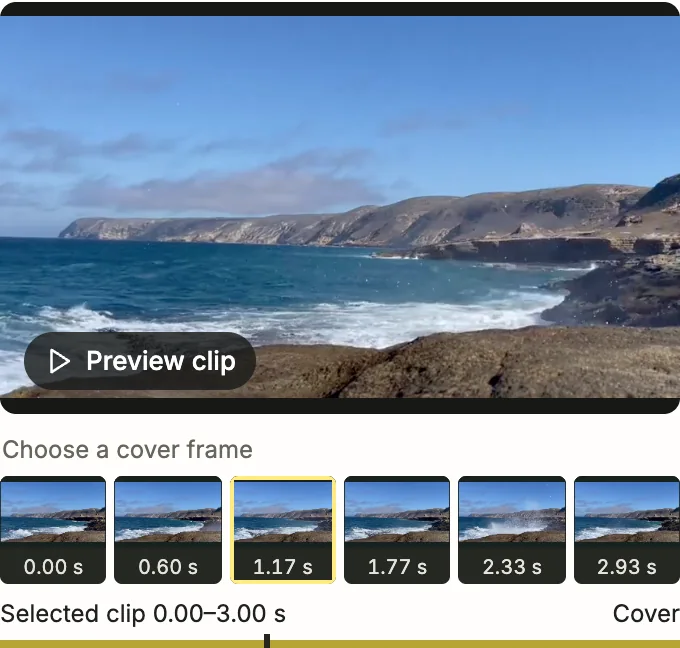
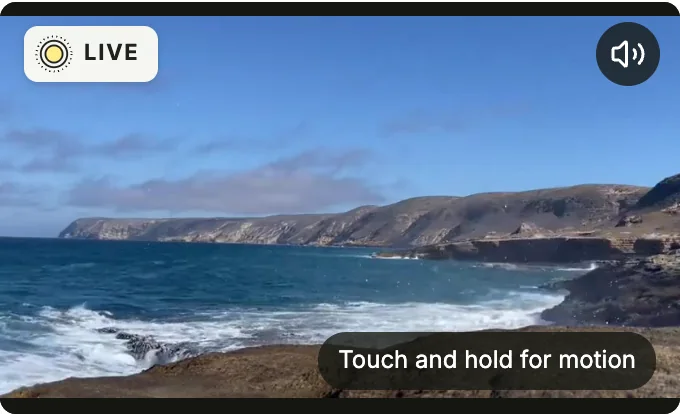
To try the wave pictured here, open the Live Photo gallery on the homepage. Select Coastal surf to preview it, then choose Edit this sample.
Can I save the photo if the browser preview stays still?
Once the Motion Photo is ready, you can download it even if holding the web preview only shows the cover. Open the original file in your gallery to check playback. The browser preview and your gallery use different players.
If the source video will not open and you have no finished photo to download, try a video saved as an H.264 MP4.
Play the download in your gallery
Samsung Galaxy
Open the downloaded picture in Samsung Gallery and tap View motion photo. If you can’t spot the control, Samsung’s illustrated guide shows where it appears. You can try it with the wave sample below.
Download the Galaxy Motion Photo sample (wave)

Google Pixel and other Android phones
On a Pixel, open the original download in Google Photos and look for the motion playback control. When the converter recognizes a Pixel, the filename ends in .MP.jpg. On other phones, including Xiaomi, the name may end in plain .jpg and still contain the clip. Open it in your gallery and look for a motion badge or play control.
To check playback in your gallery, download the wave sample for Pixel or other Android phones and open it in the same gallery.

Taking a new shot? How to take live photos on Android
- Open the built-in Camera app and switch to Photo mode.
- Samsung Galaxy: tap the Motion Photo icon in the top toolbar. Google Pixel: open Camera settings and turn on Top Shot / Motion Photos. Xiaomi: tap the Motion Photo icon at the top.
- Hold your phone steady for a moment around the shutter press so the camera saves a short clip inside the JPG.
Common Android Motion Photo questions
Samsung Motion Photo not working? How to troubleshoot
First open the original JPG in Samsung Gallery rather than a file manager. Next verify you exported with Samsung Galaxy Motion Photo (JPG) selected. If View motion photo still does not appear, test the Galaxy wave sample above to rule out chat or cloud compression.
Why does the downloaded JPG look like a still?
File managers and browser lists show only the cover thumbnail. Open the original JPG in Samsung Gallery, Google Photos or your system gallery and look for the motion control. If you exported a JPG cover, switch back to Live Photo and save again.
Why did the motion disappear after sending it in chat?
Messaging apps strip embedded clips when compressing photos. Send the MVIMG_*.jpg as a file attachment, or tap Save as a video (MP4) to send the clip directly.
How do I share an Android Motion Photo with an iPhone?
Choose iPhone / iPad paired files under Destination device, or open an existing Android Motion Photo in Live Photo Maker to repackage it for Apple. To share just the clip, export an MP4 with Live Photo to Video.