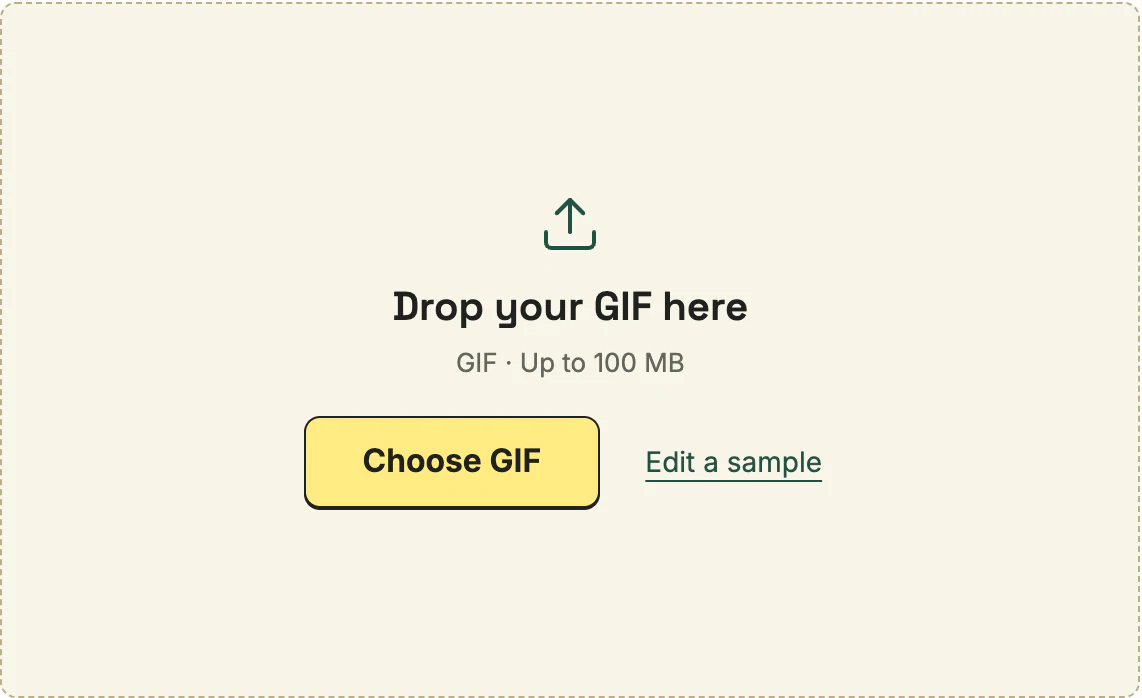
Select Choose GIF. Watch the animation once to find the movement you want to keep.
Trim the action
Adjust Clip start and Clip length, then select Preview clip to check both ends.
Pick a cover and create
Select a thumbnail and choose Create Live Photo. For a still image, choose JPG cover and select Create JPG cover.
Preview and download
Hold the finished photo on a phone or click it on a computer to play it. Select Save.
Live Photo gallery
Illustrated guide
Open your GIF
Select Choose GIF in the preview and open an animated GIF from your device. On a computer you can also drop the file into the dashed box. Its name and preview appear in the same editor.
Select Edit a sample to open the coastal clip in the editor. To try the scene pictured below, open Butterfly on a bloom in the gallery and select Edit this sample.
Trim the action and choose a cover
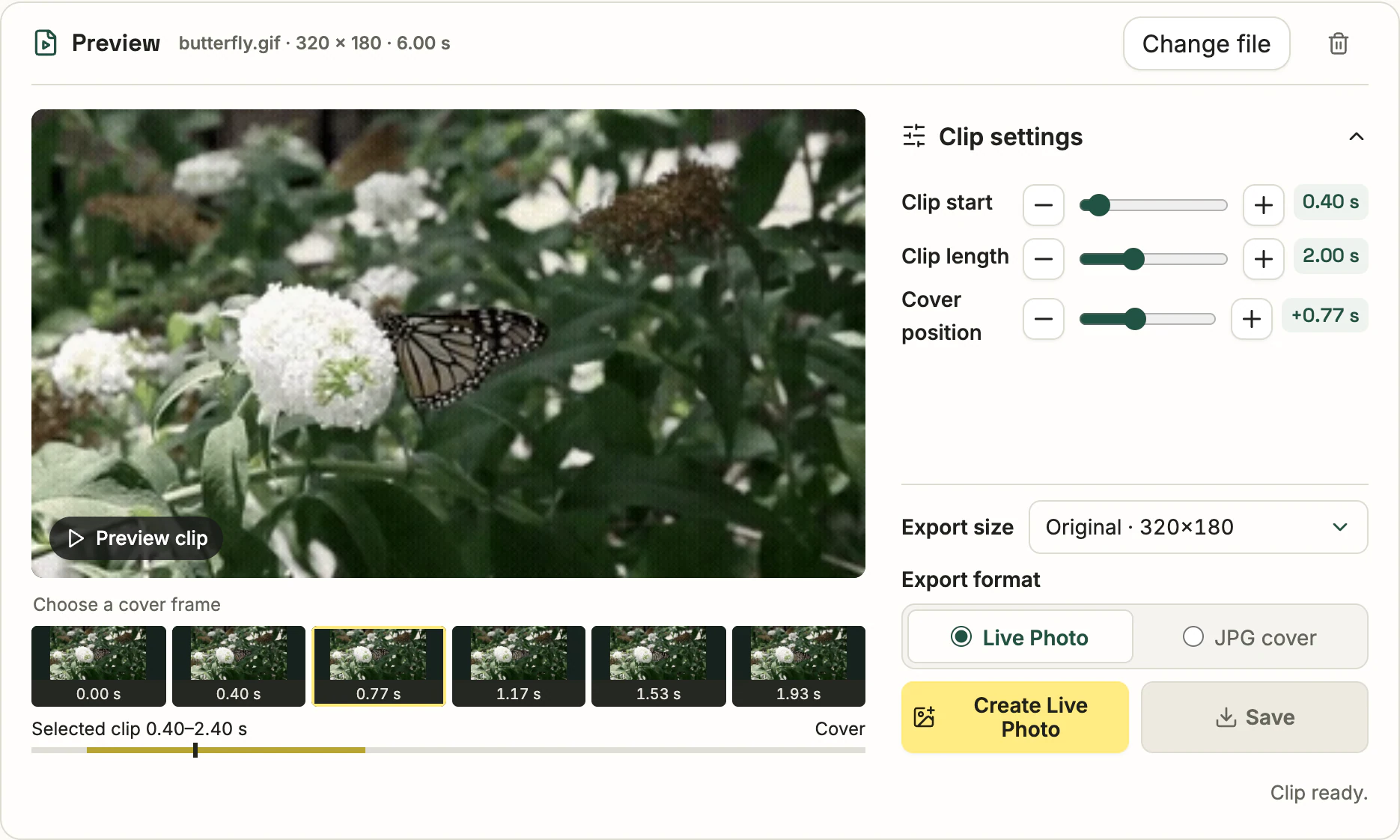
In Clip settings, set Clip start where the action begins, then set Clip length. The example starts at 0.40 seconds and runs for 2.00 seconds, keeping the part from 0.40 to 2.40 in the source.
Pick a thumbnail underneath the preview, then fine-tune it with Cover position.
Watch the butterfly complete one wingbeat and pick the frame with its wings open. Select Preview clip to check the cut. The Live Photo made from a GIF is silent.
Create, preview and download
Export size defaults to Original. Select Create Live Photo, preview the motion, choose your target under Destination device and select Save.
Mac
Unzip the downloaded .pvt.zip, select the .pvt in Finder and press Space to preview.
iPhone / iPad
Save via the iOS share sheet, or unzip the paired ZIP in Files for a Live Photo importer.
Android (Galaxy / Pixel / Xiaomi)
Exports Samsung SEF, .MP.jpg or MVIMG_*.jpg Motion Photos ready for compatible Android galleries.
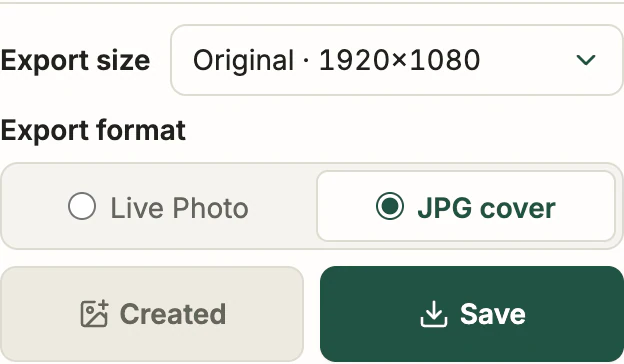
For a single frame, choose JPG cover, select Create JPG cover, then Save. If you already created the Live Photo, its cover is ready to download.
Common questions
A Live Photo has a cover and a short recording. You see the cover while browsing your library and the motion when you play it. Live is a playback indicator in iPhone Photos. The filename does not need a .live extension.
Saving for the current device gives you a .pvt.zip on Mac or a JPG with the movie inside on Android. An Apple Live Photo needs its JPG cover and matching MOV together. A ZIP keeps the pair in one download. To share just the motion, choose Save as a video (MP4).
In iPhone Photos, open the picture with the Live badge and press and hold it. On Android, open the original JPG in a gallery that supports Motion Photos. In Samsung Gallery, tap View motion photo. A file-manager thumbnail usually shows only the cover.
If you just saved a JPG cover, switch to Live Photo in the same editor and select Save. On Windows 11, a version of Microsoft Photos with Motion Photo support can also play a motion JPG.
If a friend only sees the cover in chat, select Save as a video (MP4) and send them the same clip as a video.
Short GIFs repeat in the editor. For one wave, set Clip start where the hand rises, shorten Clip length until the hand comes down, then select Preview clip to check the cut.
Open the original GIF in your gallery. A single-frame GIF will stay still. If the original moves, select Preview clip and move Clip start to where the action begins before creating the photo again.
GIFs have no audio. If you still have the recording, open it in Video to Live Photo and select the same moment.
Original size keeps the source dimensions and orientation, with up to one pixel of padding for encoding. The motion is encoded again, so fine detail can change. Choose 90%, 75% or 50% if you want smaller dimensions.
The file is processed on your device. Download the result before closing the tab so you can keep it.
 livephotohub.com